Mobile App Development Course Near Faridabad
Build Your Mobile Development Career with Next2Help Near Faridabad Next2Help offers Mobile App Development course near Faridabad…
- 0
- 20000h
- 0

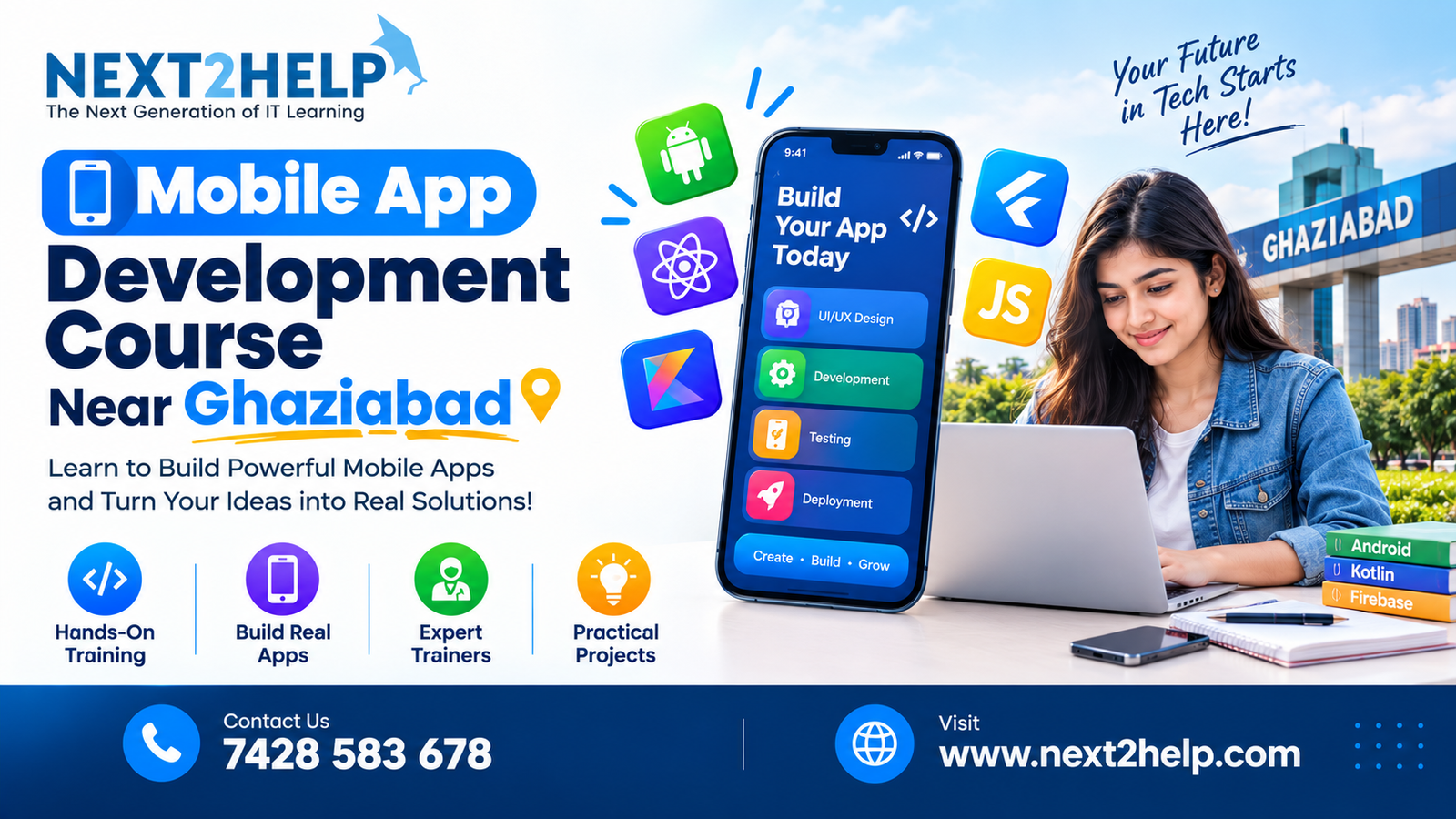
Build Your Mobile Development Career with Next2Help Near Faridabad
Next2Help offers Mobile App Development course near Faridabad covering programming, Android development, databases, APIs, development tools, and real-life projects for those who are interested in learning how to create Android applications from scratch. Beginners, students, graduates, and aspiring developers who want to develop practical mobile application skills can benefit from this course.
Through four live projects and one-on-one mentor guidance, this program covers Kotlin, Java, Android Studio, XML, Firebase, SQLite, Room Database, REST APIs, Retrofit, Git, and GitHub.
Turn Your Interest in Apps into Practical Skills
Applications for mobile devices are used in many fields, including education, banking, shopping, health care, entertainment, transportation, and business. Programming, interface development, databases, APIs, testing, and maintenance go into every application.
A structured course can help beginners understand these components instead of trying to learn them separately.
We teach Android application development at Next2Help, starting with programming fundamentals. Students learn how an application is designed, coded, connected to data, tested, and improved through this process.
What Makes the Course Practical?
The course is designed around technical learning and application-building rather than only theoretical concepts.
Students get exposure to:
- Android application development
- Kotlin and Java
- Android Studio
- XML UI development
- Firebase
- SQLite
- Room Database
- REST API integration
- Retrofit
- Git and GitHub
- Live project development
- Individual mentor guidance
This combination gives learners an opportunity to understand different parts of the Android development workflow.
Learn Android Development Step by Step
Start with Programming Logic
Before building applications, you need to understand programming logic.
Students learn fundamental concepts such as variables, operators, conditions, loops, functions, classes, objects, and object-oriented programming. These concepts form the foundation for writing application code.
Develop with Kotlin and Java
Kotlin and Java are covered as part of the development curriculum.
You learn programming concepts and gradually apply them to Android development instead of learning syntax in isolation. This helps students understand how programming logic translates into application functionality.
Work with Android Studio
Android Studio provides the development environment for creating Android applications.
Students learn how to create and manage projects, work with application files, run applications, identify errors, and understand the development workflow.
Create Application Interfaces
A mobile application needs an interface that users can understand and interact with easily.
The course introduces Android UI development using XML, helping students understand layouts, components, screens, and the relationship between the interface and application functionality.
Understand Data, APIs and Application Connectivity
Building a basic application is only one part of mobile development. Many applications need to save information and communicate with external services.
Next2Help introduces students to several technologies used for these requirements.
SQLite and Room Database help learners understand local data storage and management within Android applications.
Firebase introduces cloud-based services that can be integrated into mobile applications.
REST APIs explain how applications communicate with external web services.
Retrofit provides practical exposure to API communication within Android development.
Together, these topics help students understand how modern mobile applications can work with data and online services.
Gain Experience Through Live Projects
One of the important parts of learning development is applying technical concepts to actual applications.
Next2Help includes 4 live projects during the course. Project-based learning allows students to practice the concepts they study and understand how different technologies work together.
During project development, learners can work with application screens, programming logic, databases, APIs, debugging, and version control.
Completed projects can also help students demonstrate their development skills when building a portfolio or preparing for interviews.
Who Can Learn Mobile App Development?
This training can be useful for people at different stages of their learning journey.
Students
Students who are interested in programming can use the course to develop practical Android development skills alongside their academic education.
Graduates
Graduates looking to enter the technology sector can use project-based training to build technical knowledge and practical application experience.
Beginners
You don’t need to be an experienced developer to begin. The course starts with programming fundamentals before moving into Android development.
Working Professionals
Professionals who want to add mobile development to their technical skill set can choose the available weekday or weekend learning options.
Aspiring App Developers
If you have an idea for a mobile application, learning the fundamentals of development can help you better understand how applications are built and maintained.
Course Details at a Glance
| Course Feature | Details |
|---|---|
| Course | Mobile App Development |
| Duration | 16 Weeks |
| Training | 120+ Hours |
| Mode | Online & Offline |
| Schedule | Weekday & Weekend |
| Live Projects | 4 |
| Mentorship | One-on-One |
| Fee | ₹24,999 |
Learning Options for Students Near Faridabad
Students searching for mobile app development training around Faridabad can choose between online and offline learning options at Next2Help.
Weekday and weekend schedules provide flexibility for students and working professionals. The course can also be considered by learners from the wider Delhi NCR region who want structured training in Android application development.
What Can You Do After the Course?
Mobile development training can provide the foundation for exploring entry-level roles and further specialization.
Depending on your skills, portfolio, experience, and individual career goals, you can explore positions such as:
- Android Developer
- Junior Android Developer
- Mobile App Developer
- Android Application Developer
- Mobile Application Programmer
- Entry-Level App Developer
Your projects, programming knowledge, problem-solving ability, interview preparation, and practical experience can all contribute to your career development.
Why Choose Next2Help for Mobile App Development?
When comparing mobile development courses, consider more than the course title. Look at the technologies taught, practical projects, mentor support, learning format, and the opportunity to apply what you learn.
Next2Help combines these elements into a structured program covering programming, Android Studio, Kotlin, Java, XML, databases, Firebase, APIs, Retrofit, Git, and GitHub.
The addition of live projects and one-on-one mentoring gives learners opportunities to practice development rather than relying entirely on theoretical lessons.
For More Locations:
Frequently Asked Questions
Is this Mobile App Development Course suitable for beginners?
Yes. The program starts with programming fundamentals and gradually introduces Android development concepts, making it suitable for learners starting from the basics.
What technologies are taught in the course?
The curriculum includes Kotlin, Java, Android Studio, XML, Firebase, SQLite, Room Database, REST APIs, Retrofit, Git, and GitHub.
How many projects will I complete?
The program includes 4 live projects for practical development experience.
How long is the training?
The course runs for 16 weeks with 120+ hours of training.
Is the course available online?
Yes. Next2Help offers both online and offline learning options.
Are weekend batches available?
Yes. Students can choose from weekday and weekend learning schedules.
What is the course fee?
The listed course fee is ₹24,999.
What Will You Learn?
- Introduction to mobile application development
- Programming fundamentals
- Android development with Java or Kotlin
- iOS development with Swift
- Flutter and cross-platform development
- React Native fundamentals
- Mobile UI/UX design principles
- API integration and JSON
- Database management
- Firebase and cloud services
- Authentication and application security
- Testing and debugging
- Git and version control
- Mobile app performance optimization
- Google Play Store and App Store deployment
- Practical and live projects
Course Curriculum
Introduction to mobile application development
Programming fundamentals
Android development with Java or Kotlin
Database management
Mobile UI/UX design principles

More Courses By Next2help

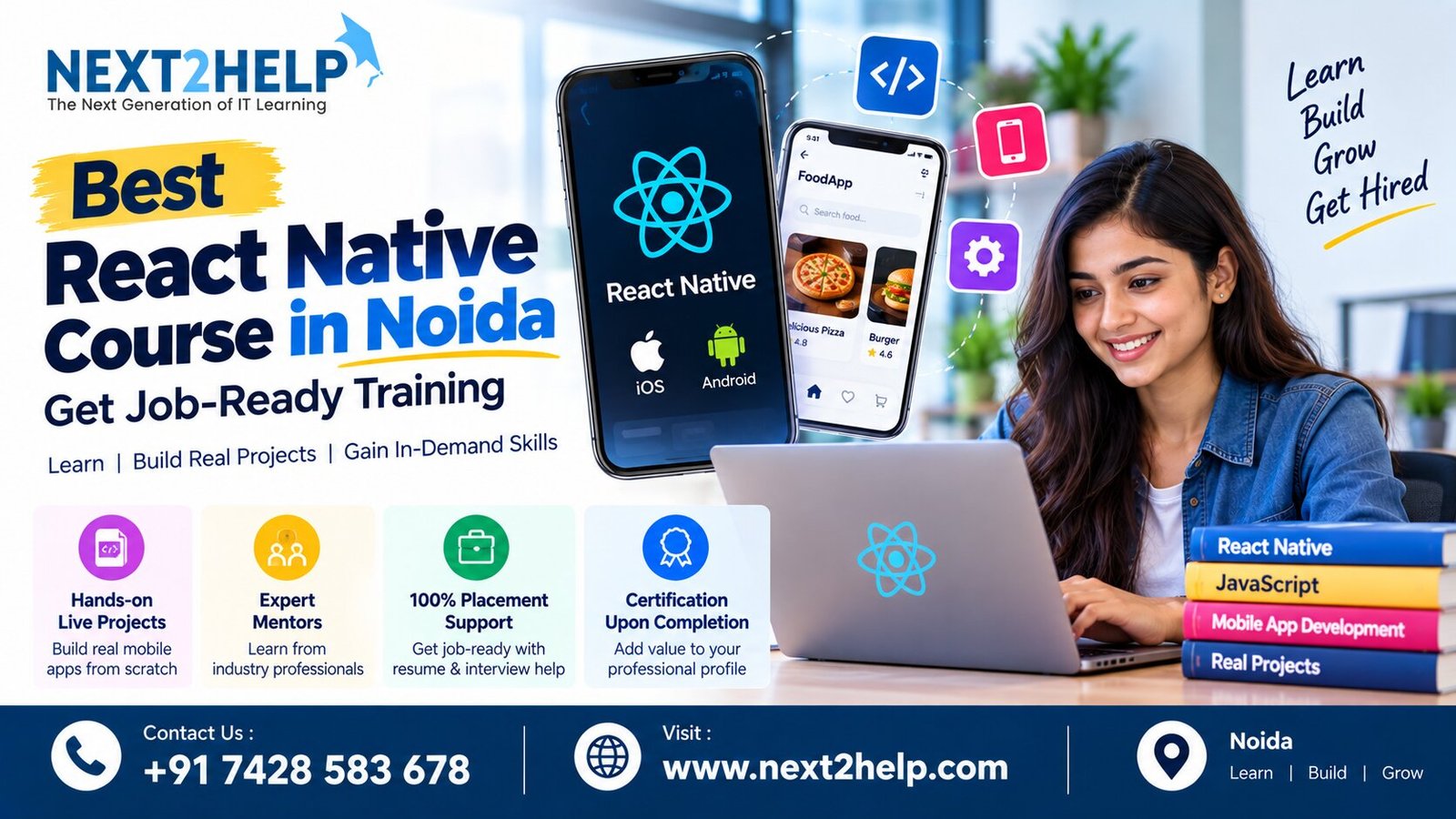
Best React Native Course in Noida with 100% Placement Assistance

#1 AI Digital Marketing Course Near Faridabad
Want to receive push notifications for all major on-site activities?