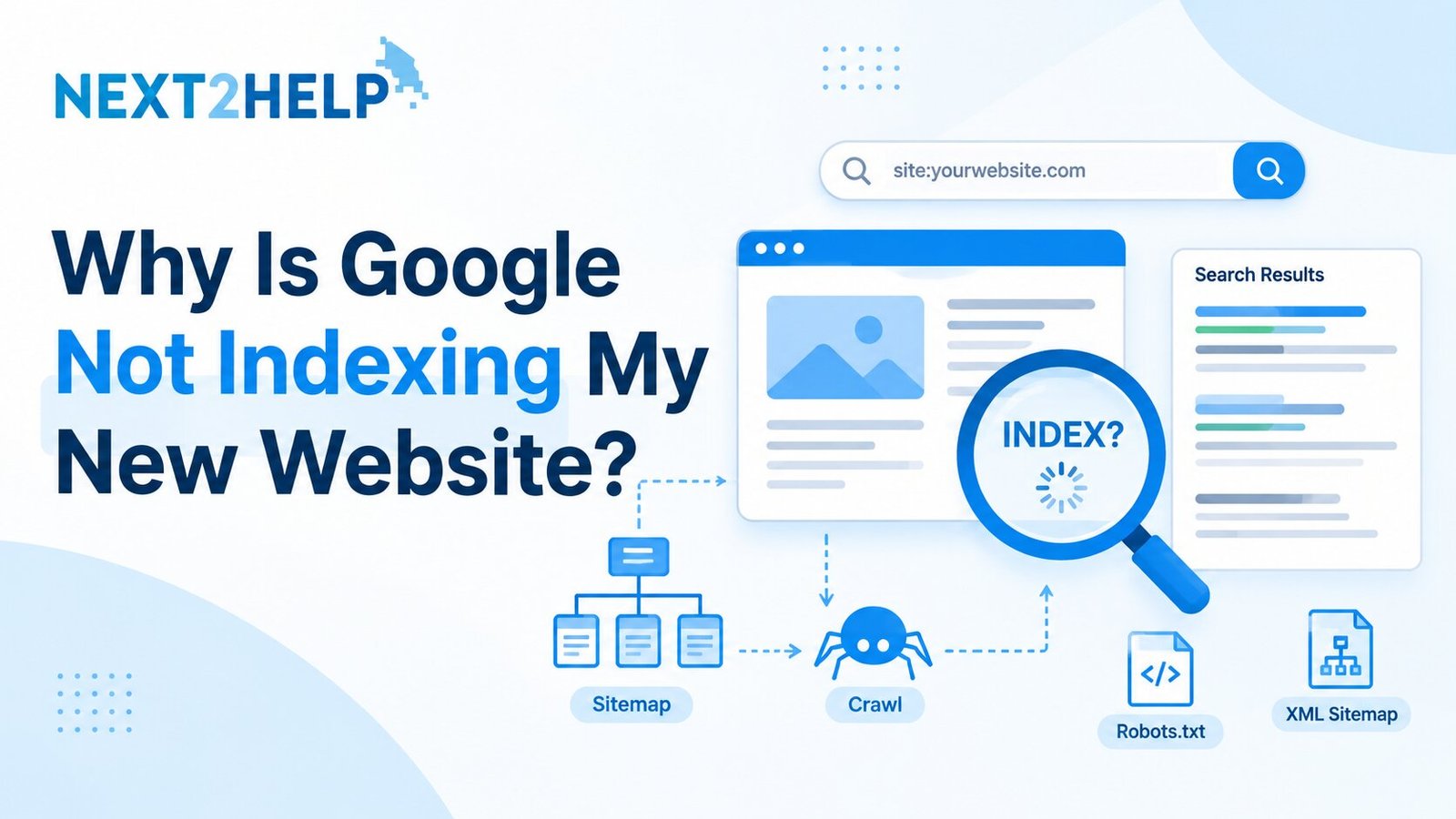
You launched your site, searched for it on Google, and found nothing. This is very common with new sites. So, why is Google not indexing my new website? Usually, Google has not found it yet, something is blocking it, or the pages do not look useful enough to store.
Google may not be indexing your new website because it has not discovered or crawled it yet, a no index tag or robots.txt rule is blocking it, no sitemap was submitted, or the pages have thin or duplicate content. New sites can take days to weeks. Use the URL Inspection tool in Google Search Console to see the exact reason.
Crawling vs Indexing: What Is the Difference?
Crawling means Google visits your page. Indexing means Google stores that page so it can show it in search results. A page can be crawled and still not indexed.
Common Reasons Google Is Not Indexing a New Website
1. Google has not found your site yet
A brand-new site has no links pointing to it and no history. Without a sitemap or any links, Google may simply not know it exists.
2. A no index tag or CMS setting is blocking it
A no index tag tells Google not to store a page. Developers often switch this on while building a site and forget to remove it. On WordPress, check Settings > Reading and make sure “Discourage search engines from indexing this site” is unticked.
3. Your robots.txt file blocks Google
A robots.txt rule such as “Disallow: /” stops Google from crawling the entire site. Open yourdomain.com/robots.txt and check it.
4. The content is thin or duplicate
Pages with only a few lines, copied text, or many near-identical pages give Google little reason to store them.
5. Pages have no internal links
If a page is not linked from your menu or other pages, Google may struggle to find it. These are called orphan pages.
6. Technical errors
Slow servers, broken pages, or redirect loops can stop Google from reading your site.
How to Check Whether Your Website Is Indexed
1. Search on Google: type site:yourdomain.com. If no results appear, your pages are likely not indexed.
2. Use URL Inspection: paste a page URL into Google Search Console to see if it is on Google.
3. Open the Pages report: it lists indexed pages and the reasons others are excluded.
Two statuses confuse beginners. “Discovered – currently not indexed” means Google knows the URL but has not crawled it yet. “Crawled – currently not indexed” means Google visited the page but chose not to store it, which often points to content quality.
Step-by-Step Fix for a New Website
1. Verify your site in Google Search Console. It is free.
2. Remove blocks. Delete no index tags and untick the CMS visibility setting.
3. Fix robots.txt. Make sure it allows Google to crawl your important pages.
4. Submit an XML sitemap. Plugins can generate one.
5. Request indexing for key pages. Do this for your home page and main pages, not every URL.
6. Improve your content. Write detailed, original answers.
7. Add internal links. Link your pages to each other so Google can move through the site.
These steps are the everyday basics of technical SEO. If you want to understand crawling, indexing, and Search Console properly, a beginner-friendly program like the SEO Crash Course covers them step by step.
A Simple Example
Imagine a photographer in Noida who builds a WordPress site and searches for it two weeks later with no luck. In Settings > Reading, the box discouraging search engines is ticked. After unticking it, submitting a sitemap, and requesting indexing for the home page, Google can crawl the site normally.
Common Mistakes to Avoid
⦁ Requesting indexing again and again. Repeated requests do not speed things up.
⦁ Publishing many thin pages. A few strong pages beat dozens of weak ones.
⦁ Expecting overnight results. Indexing takes time, and no one can guarantee a date.
Final Thoughts
So, why is Google not indexing my new website? In most cases, it is either too new, blocked by a setting, or missing content that Google finds worth storing. Check Search Console first, fix any blocks, submit a sitemap, and keep improving your pages. Be patient, and let the data guide you.
Frequently Asked Questions
How long does Google take to index a new website?
It can take a few days to a few weeks. The timing varies, and there is no guaranteed date.
Does submitting a sitemap guarantee indexing?
No. A sitemap helps Google discover your pages, but Google still decides which pages to index.
What does “Crawled – currently not indexed” mean?
Google visited the page but did not add it to its index. Improving content quality and internal links often helps.
Can I force Google to index my website?
No. You can request indexing in Search Console, but Google makes the final decision.